A voice assistant that lives on your computer

AsistAI hears you, understands and answers with a voice - like a real conversation partner. All neural networks run right on your PC: no clouds, no internet, no subscriptions. Your conversations stay with you.

Free forever Full privacy No internet needed
$0free forever - no subscriptions and keys
100%privacy: data never leaves your computer
6languages: ru, en, de, es, fr, hi
0no internet required to run
About the project

What is AsistAI?

AsistAI is a voice assistant that lives entirely on your computer. Say its name - it will hear you. Ask a question - it will answer with a voice. No clouds and no foreign servers: speech recognition, the "mind" and the voice all work locally, and computations can run on your graphics card.

Nothing to install: the archive contains a single ready-to-run file asist.exe. Launch it - and you are already talking.

  • Free forever - no paid tiers or "premium features"
  • Full privacy - your words are never sent anywhere
  • Works autonomously - no internet and no third-party services
  • No Python needed - the assistant is self-sufficient
  • Minimal system load
A person talking to a voice assistant at home
Mechanics

How it works

Six steps - from your voice to a living answer. Everything happens on your computer.

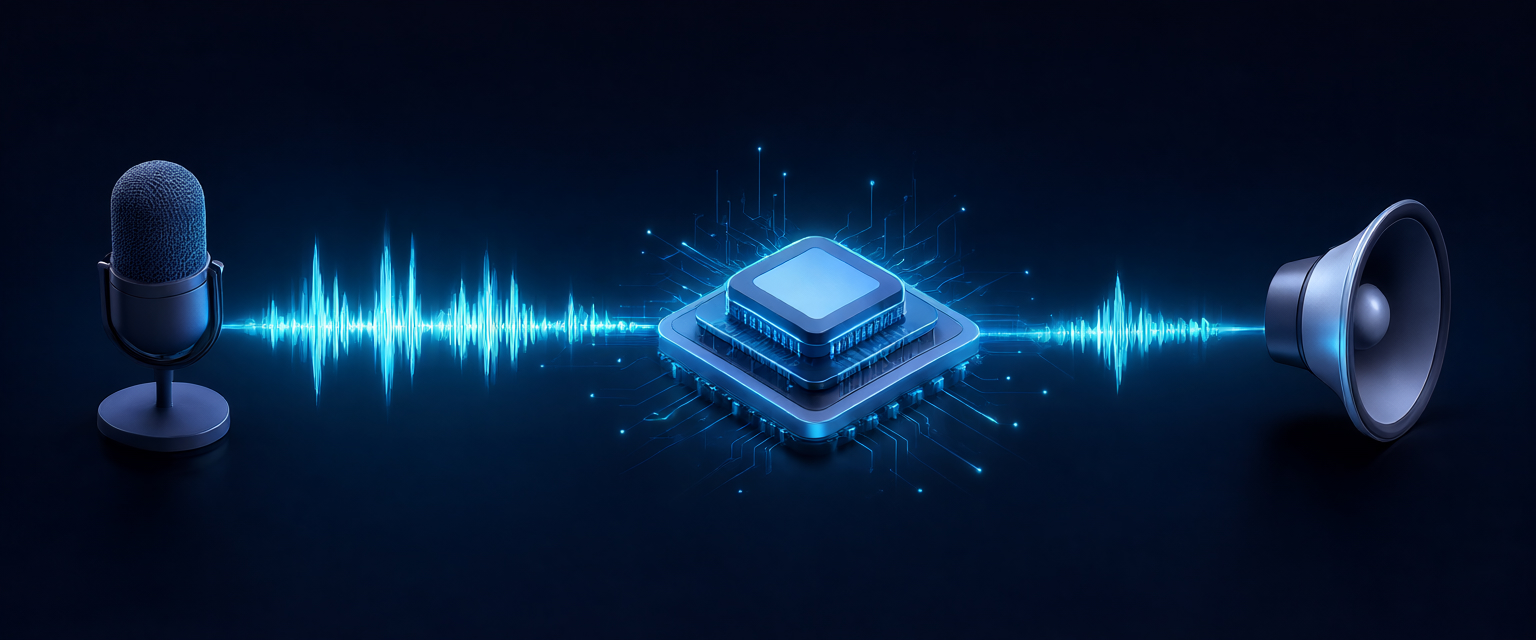
Diagram of how a voice assistant works: microphone, neural network, speakers
1

ListensAEC

An adaptive echo canceller subtracts the assistant's own voice from the microphone signal - it does not "hear" itself.

2

Waits for youVAD

The assistant listens for its name. Once it hears it, it starts recording speech and stops at a pause of silence.

3

TranscribesSTT

Your speech is turned into text by a local Whisper model - on your own computer.

4

ThinksLLM + tools

A local language model thinks through the answer. It knows how to use tools: volume, launching apps, time and date.

5

Polishes speechOrfo + Accentor

For Russian - normalization, stress placement and numbers written out. The answer sounds natural, like a person.

6

Answers with a voiceTTS

Text is turned into speech and plays from the speakers. Long answers are voiced in parts.

Features

What can AsistAI do

Everything you need for a comfortable conversation with the assistant - and nothing extra.

  • 100% free

    No subscriptions, keys or "paid features". Download it - use it as much as you like.

  • 100% privacy

    All data stays on your computer. Not a single word goes to the internet.

  • No internet

    Full autonomy: it works on a plane, in a basement, and anywhere there is no signal.

  • Low load

    Minimal resource usage. The LLM can be accelerated by your graphics card (Vulkan).

  • Refined Russian

    Stress, abbreviations and numbers written out - the voice sounds natural, like a person.

  • 6 languages

    Russian, English, German, Spanish, French and Hindi.

  • Its own name

    Name the assistant however you like - and address it by that name.

  • Your own model

    You can swap the AI model that forms answers - to fit your tasks and taste.

  • Your own voice

    A female or male voice - choose whichever feels more familiar.

  • Fresh data

    When needed, the assistant fetches up-to-date data from the internet.

  • No extras

    No Python, third-party modules or shells needed. One file - and everything works.

System

Recommended requirements

AsistAI is designed for modern computers. Here are the recommended specs for a comfortable experience.

Processor with AVX support

The AVX instruction set speeds up neural network computations.

NVMe storage drive

An NVMe SSD for fast model loading and a fast start.

16 GB of RAM

Enough to run all of the assistant's components in parallel.

GPU accelerator with Vulkan support

Hardware acceleration of the LLM via the Vulkan API.

Microphone

So the assistant can hear you clearly.

Speakers

So the assistant can answer with a voice.

These are recommendations, not strict requirements: on a weaker computer the assistant will still start, it will just think a little longer.